Compatible with
- OpenAI
- Meta
- Claude
- Grok
 n8n
Sound familiar?
Meeting the right people is luck.
At a 500-person event, finding the five people who matter to you is random.
Contacts go cold in days.
Business cards get lost and LinkedIn requests go out with no context.
Networking is hard to prove.
Organizers promise great networking but can't show it happened.
Featured at DCSTW
DC Startup & Tech Week.

Linx started with a real networking need at DC Startup & Tech Week: meet the right people and keep their links after the event.

See it in action.
A 35 second walk through the whole thing, from building your card to keeping your links.
Before, during, after.
Before
Attendees scan a QR code and build a profile in under a minute. No app download.
During
They see who's worth meeting and why. When two people both say yes, it's a match and contact details unlock.
After
A recap email the next morning, a follow-up reminder three days later, and a simple list to track who they've contacted.
What you walk away with.
Less small talk with the wrong person. More conversations that turn into something.

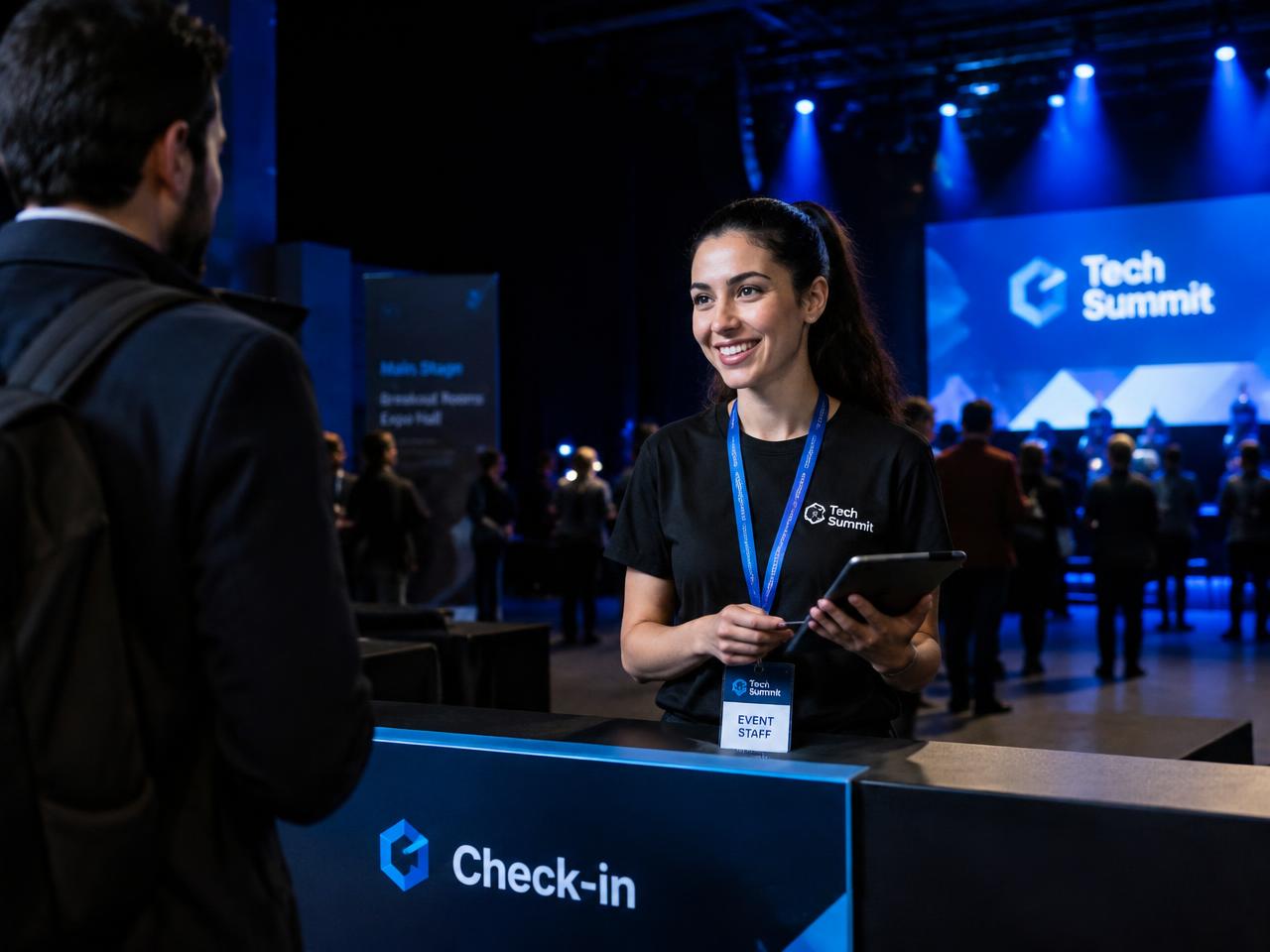
How it works for organizers.
Give your attendees a branded networking space for your tech week, hackathon, conference or community: your logo and cover, a shared photo feed, resources, and optional private access codes. We help you set it up.
See it for organizers.
A 45 second walk through the organizer side: create your event, share the invite, then run the Feed, Gallery and Directory.
Speaking at an event?
Add your slides or guide to your Linx profile. People who match with you can download them. It's an easy way to get your talk into more hands.
Networking for your next event.

Conference Intelligence
Help conference attendees find relevant people, make mutual connections and keep their links. Explore Linx's browser-based networking and per-event plans.
Explore the guide
Event networking software
Choose event networking software around attendee discovery, privacy, capacity and follow-up. See what Linx includes and where you need other event tools.
Explore the guide
Free to start.
Free for events up to 25 attendees. Paid plans start at $199 per event and unlock resources, private access codes, a custom event logo and more.
Why Linx.

- Mutual only. Contact details unlock only when both people save each other.
- Event scoped. You see the people at your event, not a public directory.
- Built for the room. Fast sign-up, QR codes and phone alerts made for the venue.
Your connections, in your AI assistant.
Connect Linx to a compatible AI assistant and ask things like "who did I meet last night?" Free and read-only, and it only sees your own mutual matches.
- Meta MuseMeta Muse
- dotsdots
- Grok Bot
- Claude Duet
Questions.
- What is Linx?
- Linx is an event networking app for in-person events. Attendees see the people at their event ranked by shared interests, save the ones they want to meet and keep their links afterward.
- Is Linx free for attendees?
- Yes. Attendees join free with an email or Google account and build their profile in about a minute.
- Who can see my contact details?
- Only people you mutually match with. A match happens when you both save each other. Your email stays private unless you choose to share it with matches.
- Does Linx work for private events?
- Yes. Organizers can make an event private so only guests with an access code or invite link can join.
- Can I use one account for many events?
- Yes. One profile works at every event, and your connections stay with you across events.
- How do organizers get Linx for their event?
- Organizers can book a demo from the organizers page. We set up the event, its logo and resources with you.
- Do attendees need to download an app?
- No. Linx opens in the phone's browser from a QR code or link. Attendees can add it to their home screen if they want.
- Does Linx work with Luma or Eventbrite?
- Yes, alongside them. Keep using your ticketing tool, and share your Linx event link or QR code with your registered guests.